Open Apps · Image editing

GIMP

Turn source imagery into finished, reusable artwork: retouch, composite, and prepare visuals for the next creative step.

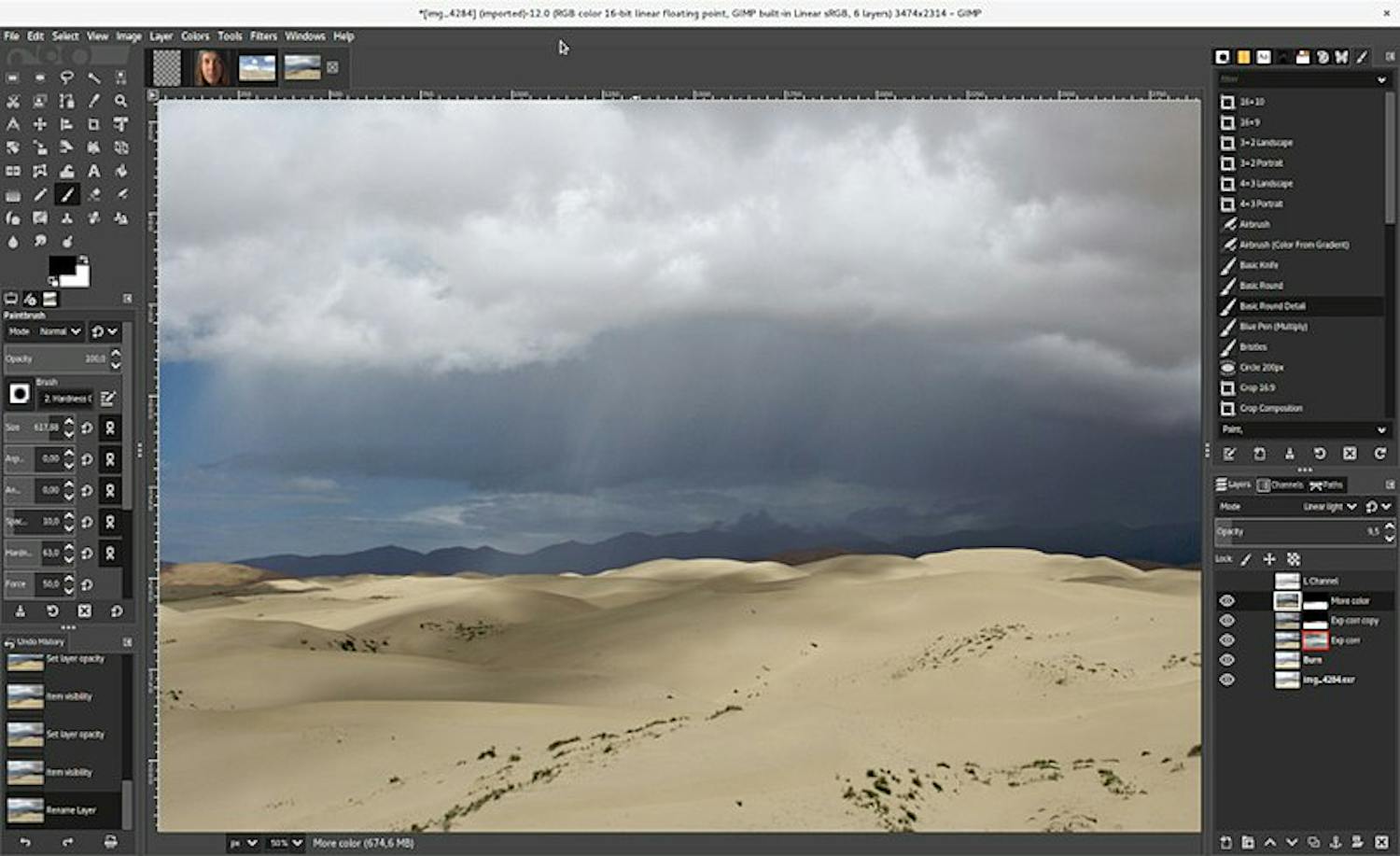
GIMP workspace
GIMP workspace

Planned · file-based workflow directions

Where GIMP can contribute

Start with an image and its source details. GIMP contributes reversible editing and export; the resulting Card can keep the selected output connected to its source and rights context.

Prepare transparent cutouts and reusable overlays

Create a reusable transparent subject or overlay while keeping the source image intact.

Start withA compatible source image, with its source and rights details available.

GIMP contributesRefine a selection or mask, preserve an editable XCF, and export a PNG with alpha.

Card and handoffThe Card can reference the transparent PNG and retain the source, creator, license, and attribution context; keep the XCF for revisions.

Explore this workflow ↗

Retouch without losing the original

Make reversible photo or product-image corrections, then prepare a delivery copy.

Start withAn original photograph or product image and its source details.

GIMP contributesDuplicate the source layer, retouch with masks, save the layered XCF, and export PNG or JPEG.

Card and handoffThe Card can associate the chosen export with the original and its source/rights context; keep the XCF as the editable working file.

Explore this workflow ↗