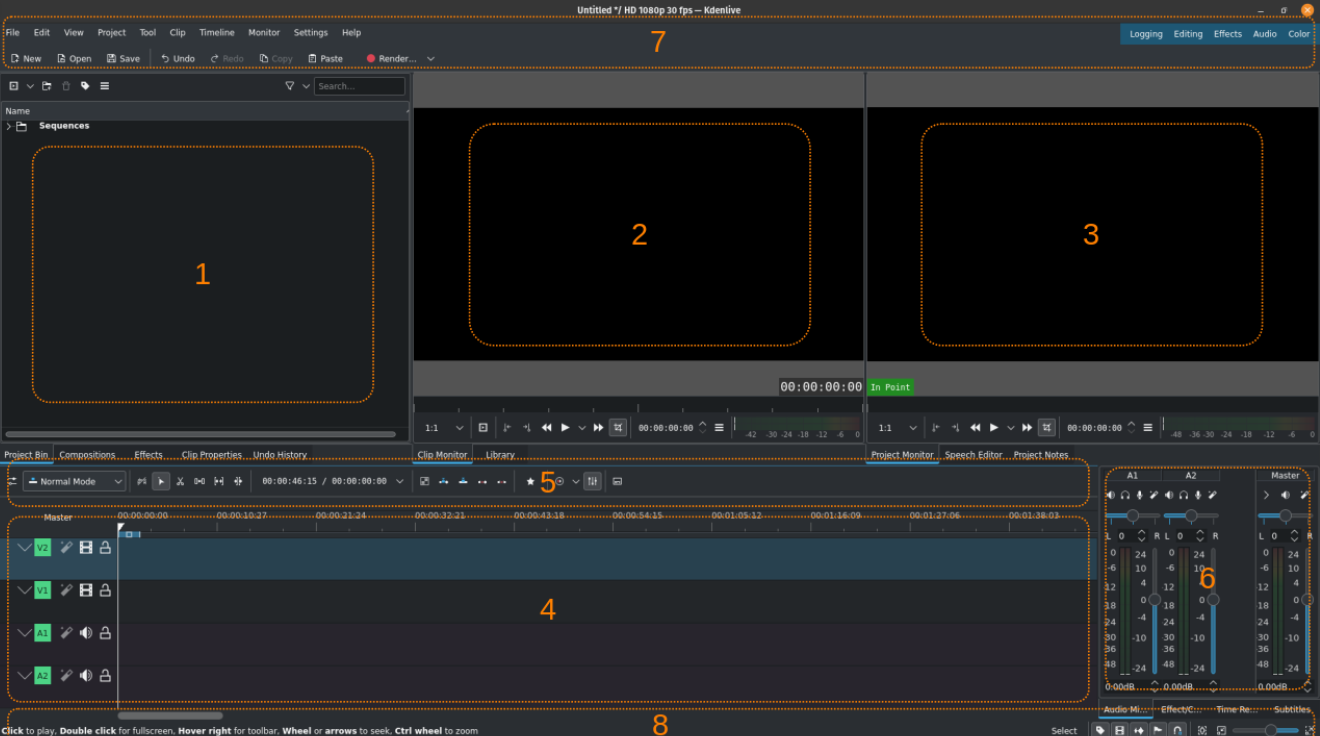
These planned workflows show where Kdenlive may contribute alongside other independent apps. Detailed steps will be published as formats, outputs, and handoffs are confirmed.
Animation · Planned
2D animation to video timeline
Keep animation editable in Krita while assembling frames, titles, and sound in Kdenlive.
Workflow shapeAnimated project → numbered PNG sequence → editorial timeline
Kdenlive contributesImport the sequence at the delivery profile and frame rate, add titles and audio, then render the video.
View in the workflow catalog ↗
3D and video · Planned
3D render to video edit
Render a scene in Blender, then build the edit and final assembly in Kdenlive.
Workflow shapeScene and dependencies → rendered frames → edit and deliver
Kdenlive contributesEdit the rendered sequence or intermediate, add titles, and assemble the final video.
View in the workflow catalog ↗
Motion graphics · Planned
Vector titles and overlays for video
Design title art in Inkscape and bring a predictable rendered asset into Kdenlive.
Workflow shapeSVG master → transparent raster asset → video timeline
Kdenlive contributesTest SVG import in the installed version or use transparent PNG assets, then set timing and transitions on the timeline.
View in the workflow catalog ↗
Editorial · Planned
Photo or illustration stills to video
Use rendered images from RapidRAW, GIMP, Krita, or Inkscape as still clips in a Kdenlive edit.
Workflow shapeDeveloped or edited stills → timeline clips → rendered video
Kdenlive contributesSet the project profile and still duration, then add movement, transitions, titles, and sound.
View in the workflow catalog ↗
Audio post · Planned
Sound post-production for video
Mix and master audio in Ardour while keeping the Kdenlive picture edit and final assembly intact.
Workflow shapePicture reference → DAW mix → WAV/BWF stem → final video
Kdenlive contributesExport a reference video or guide-audio stem with a sync marker, then re-import the approved mix for final assembly.
View in the workflow catalog ↗
Video editing · Planned
Edit high-resolution footage with proxies
Keep timeline playback responsive on demanding footage while preserving the link to original camera media.
Workflow shapeProject profile and folder → proxies → offline edit → full-resolution render
Kdenlive contributesCreate proxies from the originals, edit against the project profile, and confirm the final render reconnects to full-resolution media.
View in the workflow catalog ↗
Documentary editing · Planned
Cut a multicamera interview or performance
Build a multicamera edit from synchronized angles and choose the active view during playback.
Workflow shapeSync camera angles → live multicam cut → refine and render
Kdenlive contributesSync the camera angles, make the live multicam cut, then refine timing and render the edit.
View in the workflow catalog ↗