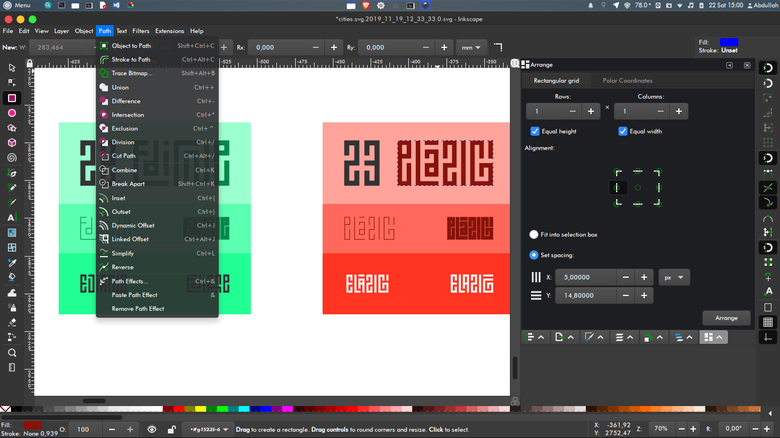
These planned workflows show where Inkscape may contribute alongside other independent apps. Detailed steps will be published as formats, outputs, and handoffs are confirmed.
Publishing · Planned
Vector illustration to print layout
Build the illustration once as SVG, then place it into a page layout and deliver a print-ready PDF.
Workflow shapeEditable vector master → placed artwork → print PDF
Inkscape contributesCreate and keep the editable SVG master with its linked assets and font notes.
View in the workflow catalog ↗
Photography · Planned
Camera RAW to image editing and layout
Develop a camera original non-destructively, then pass a rendered image to pixel editing or page layout.
Workflow shapeRAW develop → rendered still → edit or place
Inkscape contributesPlace the final image in an SVG layout and export the required PDF or raster deliverable.
View in the workflow catalog ↗
Product imagery · Planned
3D still to product sheet or publication
Turn a Blender render into a polished still and place it in a print or vector layout.
Workflow shape3D scene → rendered still → image cleanup → page layout
Inkscape contributesPlace the approved render in a vector-led layout and export a PDF or PNG.
View in the workflow catalog ↗
Motion graphics · Planned
Vector titles and overlays for video
Design title art in Inkscape and bring a predictable rendered asset into Kdenlive.
Workflow shapeSVG master → transparent raster asset → video timeline
Inkscape contributesKeep the editable SVG master; check filters, fonts, transparency, and dimensions at export.
View in the workflow catalog ↗
Editorial · Planned
Photo or illustration stills to video
Use rendered images from RapidRAW, GIMP, Krita, or Inkscape as still clips in a Kdenlive edit.
Workflow shapeDeveloped or edited stills → timeline clips → rendered video
Inkscape contributesPrepare vector artwork and export still assets in the required format.
View in the workflow catalog ↗
Vector craft · Planned
Trace and clean a monochrome logo
Turn a high-contrast scan or sketch into editable paths suitable for scalable graphics and production handoff.
Workflow shapeBitmap reference → traced paths → clean, reusable SVG master
Inkscape contributesTrace the bitmap into clean, editable paths and retain the SVG as the reusable master.
View in the workflow catalog ↗
Interface graphics · Planned
Create a consistent icon family with clones
Build a family of related icons from shared geometry so proportion and detail stay consistent as the set evolves.
Workflow shapeMaster geometry → linked clones → final independent asset set
Inkscape contributesBuild a master icon and linked clones, then make independent final assets when the family is ready to ship.
View in the workflow catalog ↗