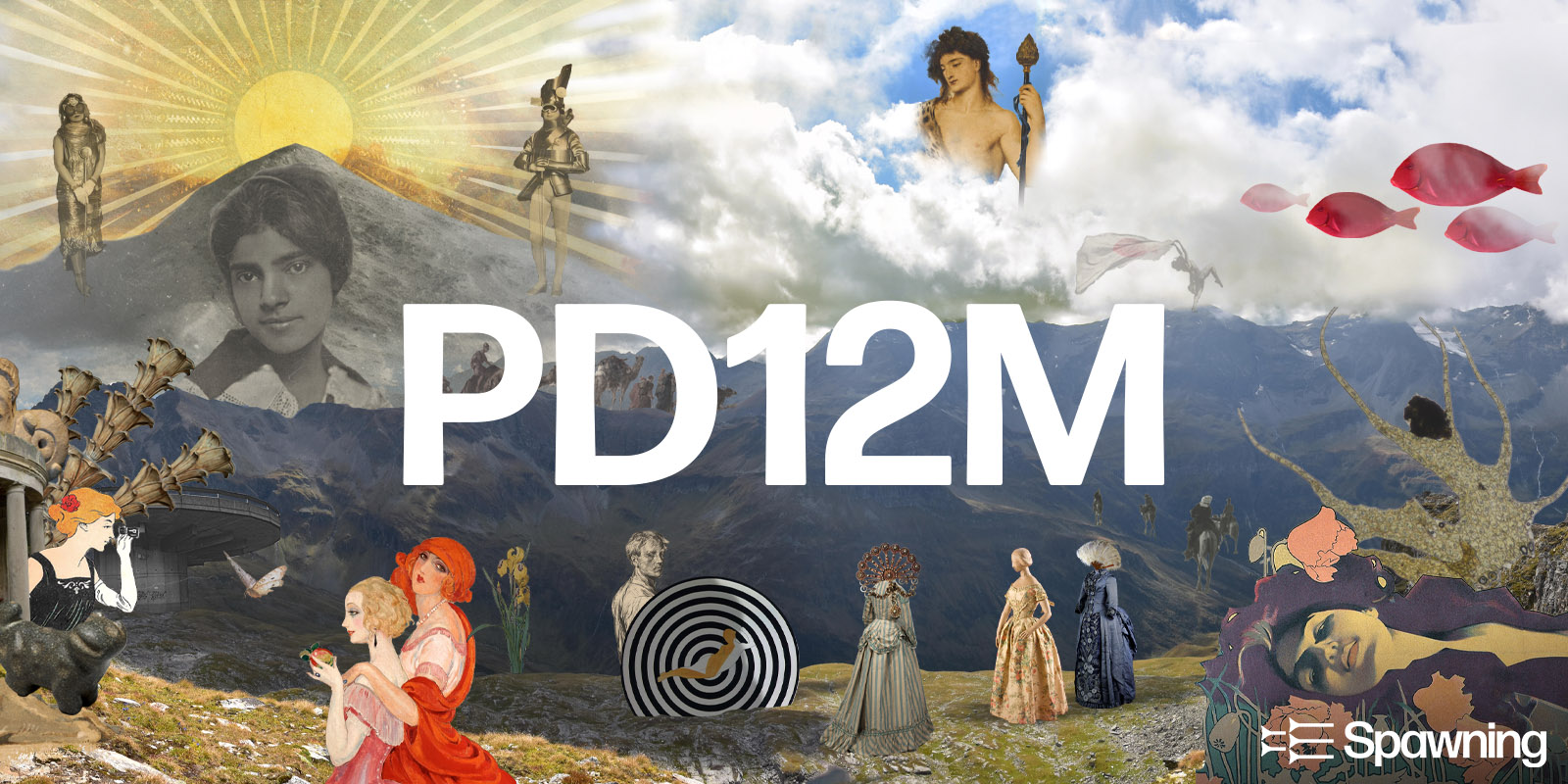
Research dataset source · Images
PD12M
Explore a curated collection of captioned images for visual research, moodboards, and creative starting points.
12.4MPD / CC0 pairs
Connected asset sources · rights travel with assets
Find material from connected catalogs and bring selected items into Cards.
Open Assets brings source catalogs into the CinterForge Desktop Assets workspace: each provider has its own search tab, alongside global search across sources. Open Assets providers are more than websites linked from a directory; they are connected discovery sources in the application.
The selected material can contribute to a Card, which gives the asset a place in a wider collection or creative workflow. Source, creator, license, attribution, and provenance should travel with the asset wherever the workflow supports those fields. A Card is the CinterForge container; the asset is its payload or referenced material.
Explore each provider to see the asset types it offers, how it can contribute to a Card, and a workflow example. These provider guides also seed future walkthroughs, demonstrations, and B-roll scripts.
CC0 first · rights stay visible
Open Assets brings external catalogs into the Assets workspace, with a dedicated search tab for each source and a global search across sources. Explore how each provider’s material can become part of a Card, with its source, license, and attribution kept in view.
Research dataset source · Images
Explore a curated collection of captioned images for visual research, moodboards, and creative starting points.
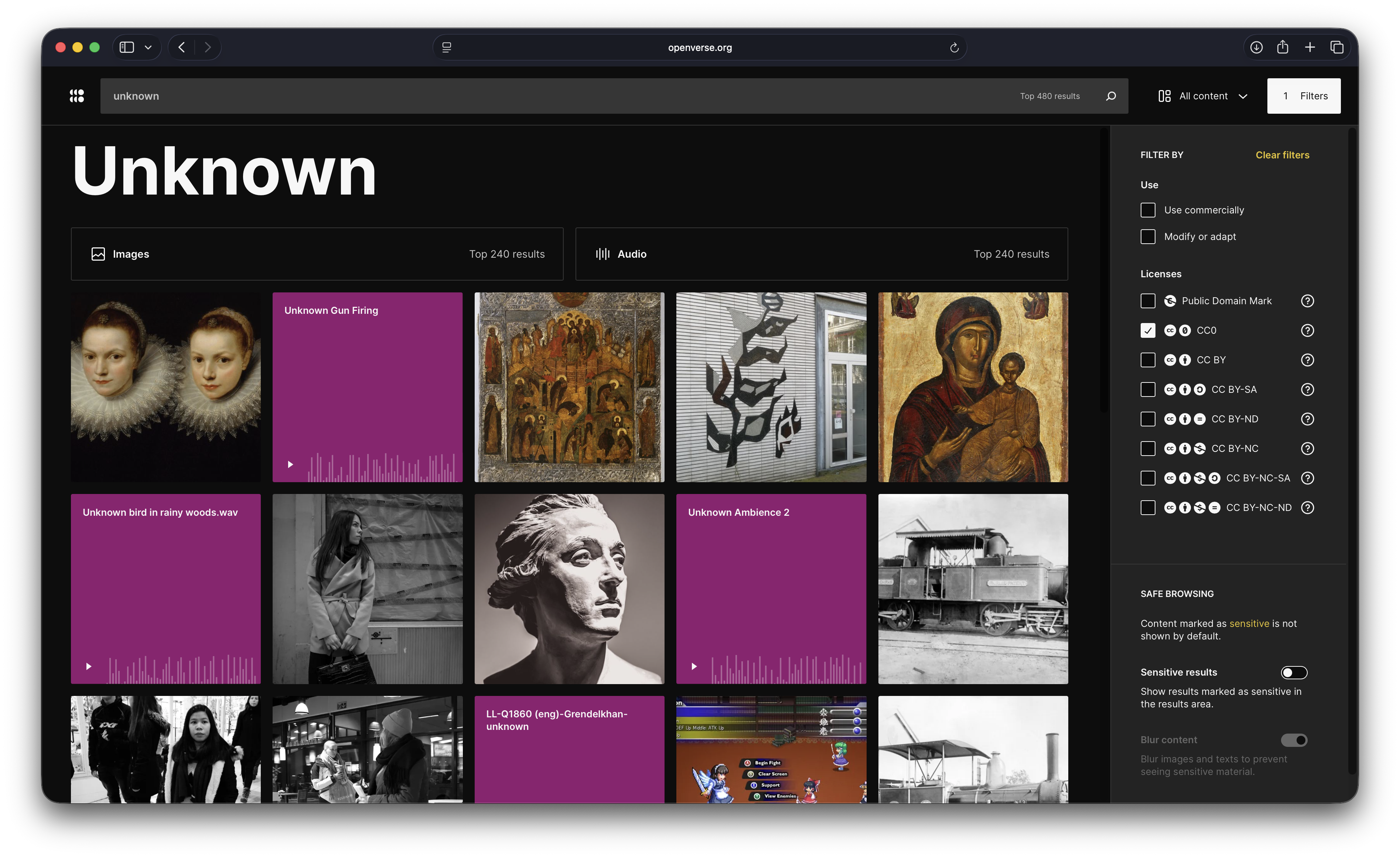
Open media search · Images · Audio
Search images and audio from many sources, with CC0 selected as a starting point and creator and license details available per item.
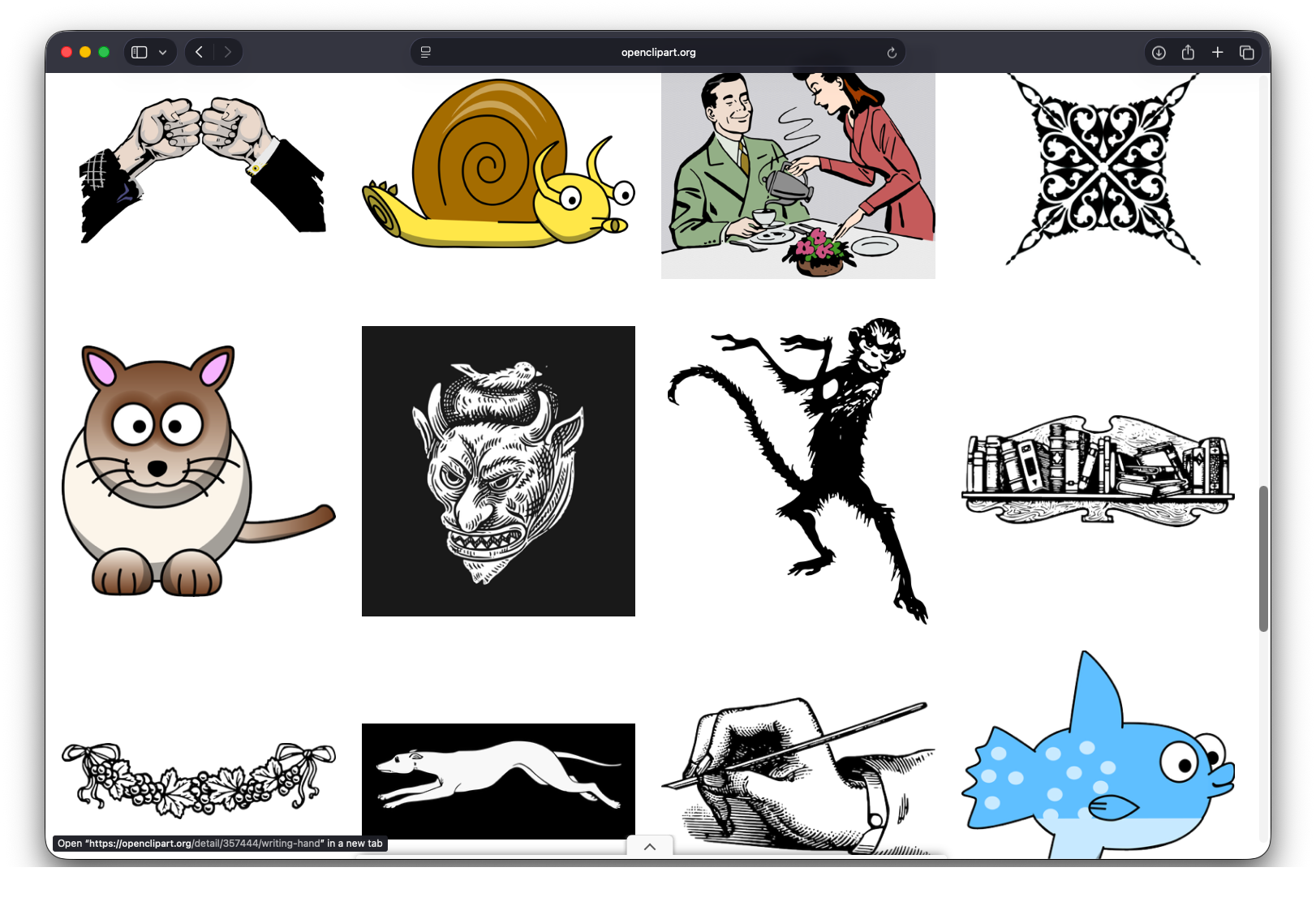
Vector asset source · SVG
Find scalable illustrations to adapt for Card artwork, diagrams, interface details, and creative projects.
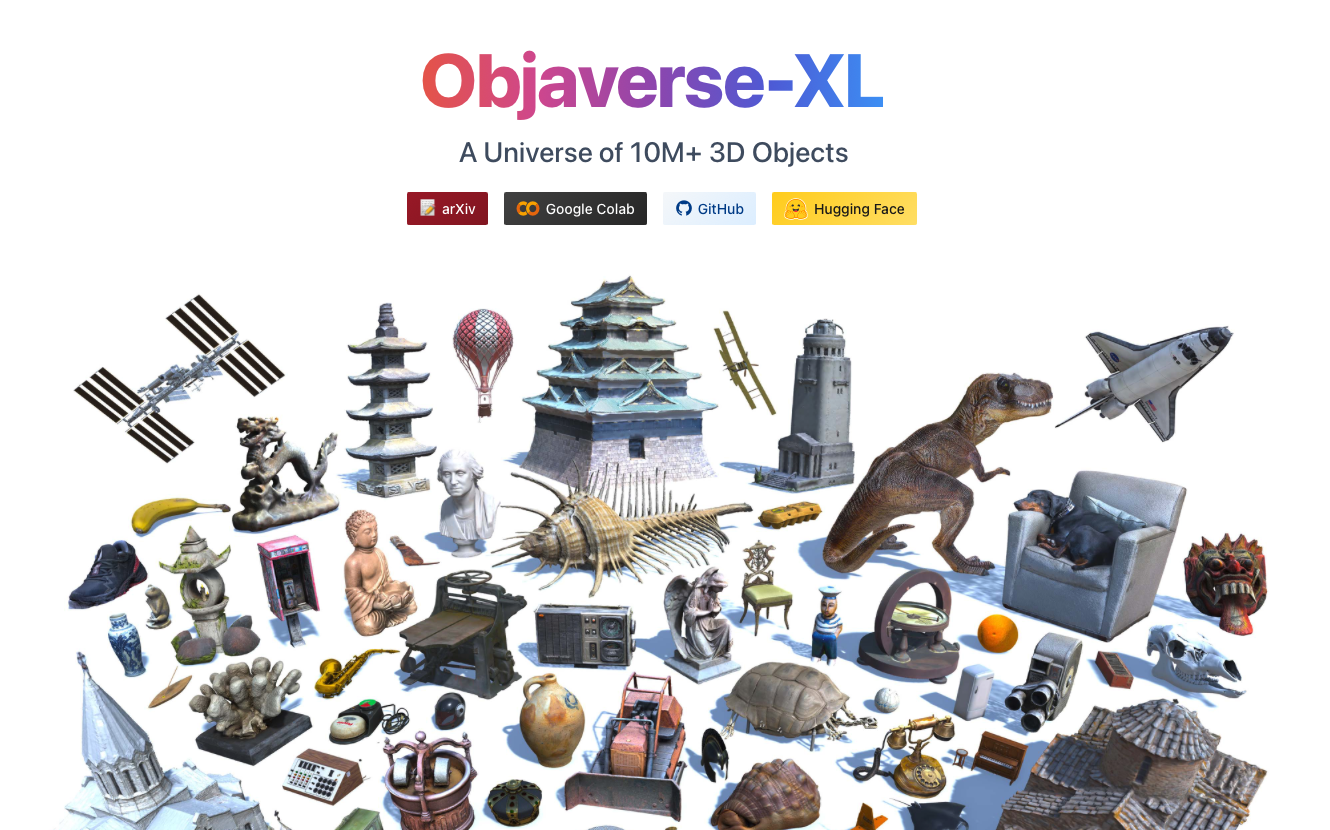
3D asset source · 3D models
Discover annotated 3D models to preview, compare, and bring into scene-building and Card workflows.
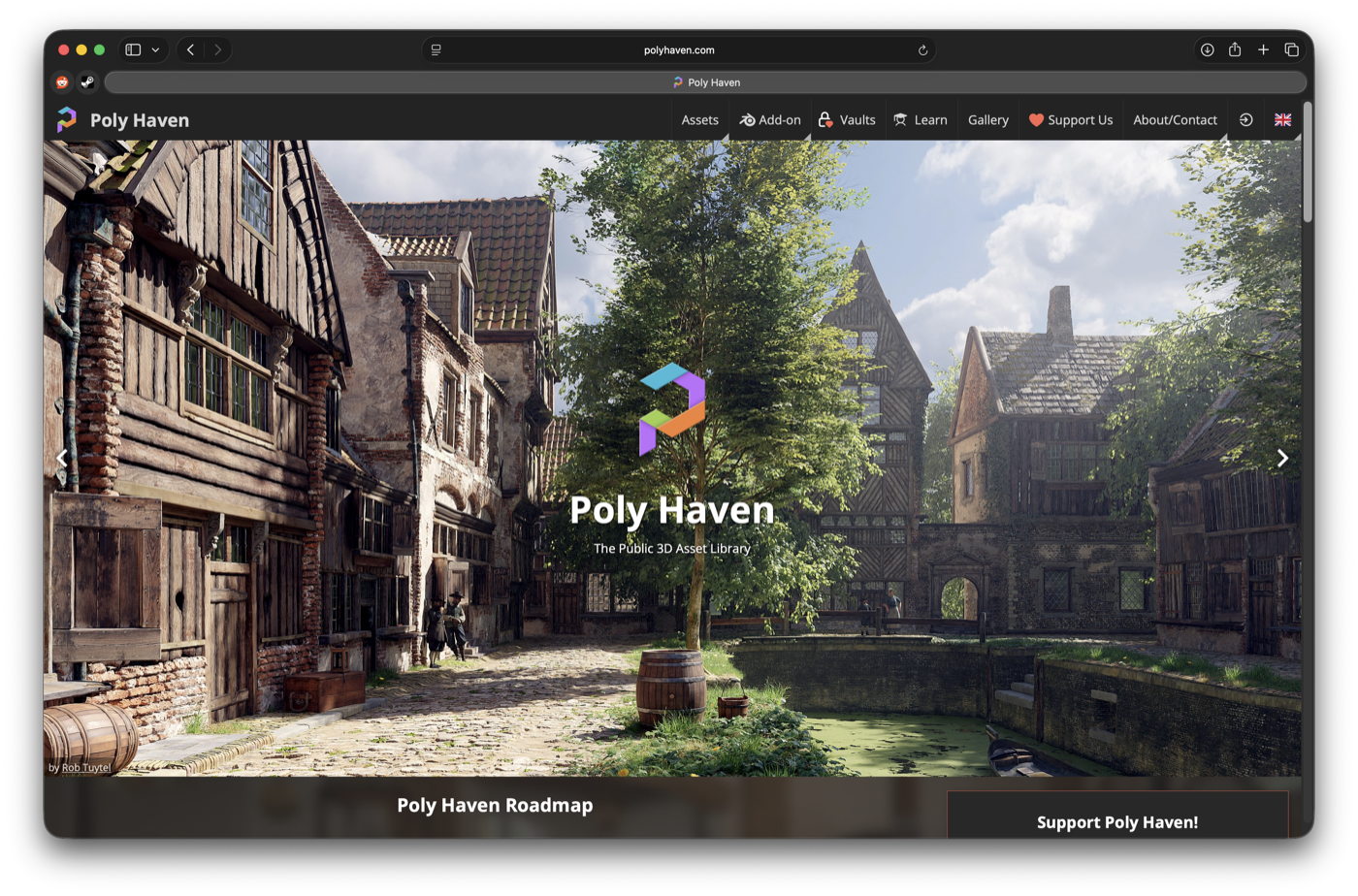
3D asset source · HDRIs · PBR textures · 3D models
Bring CC0 environment lighting, PBR materials, and 3D models into Blender scenes and Card workflows.
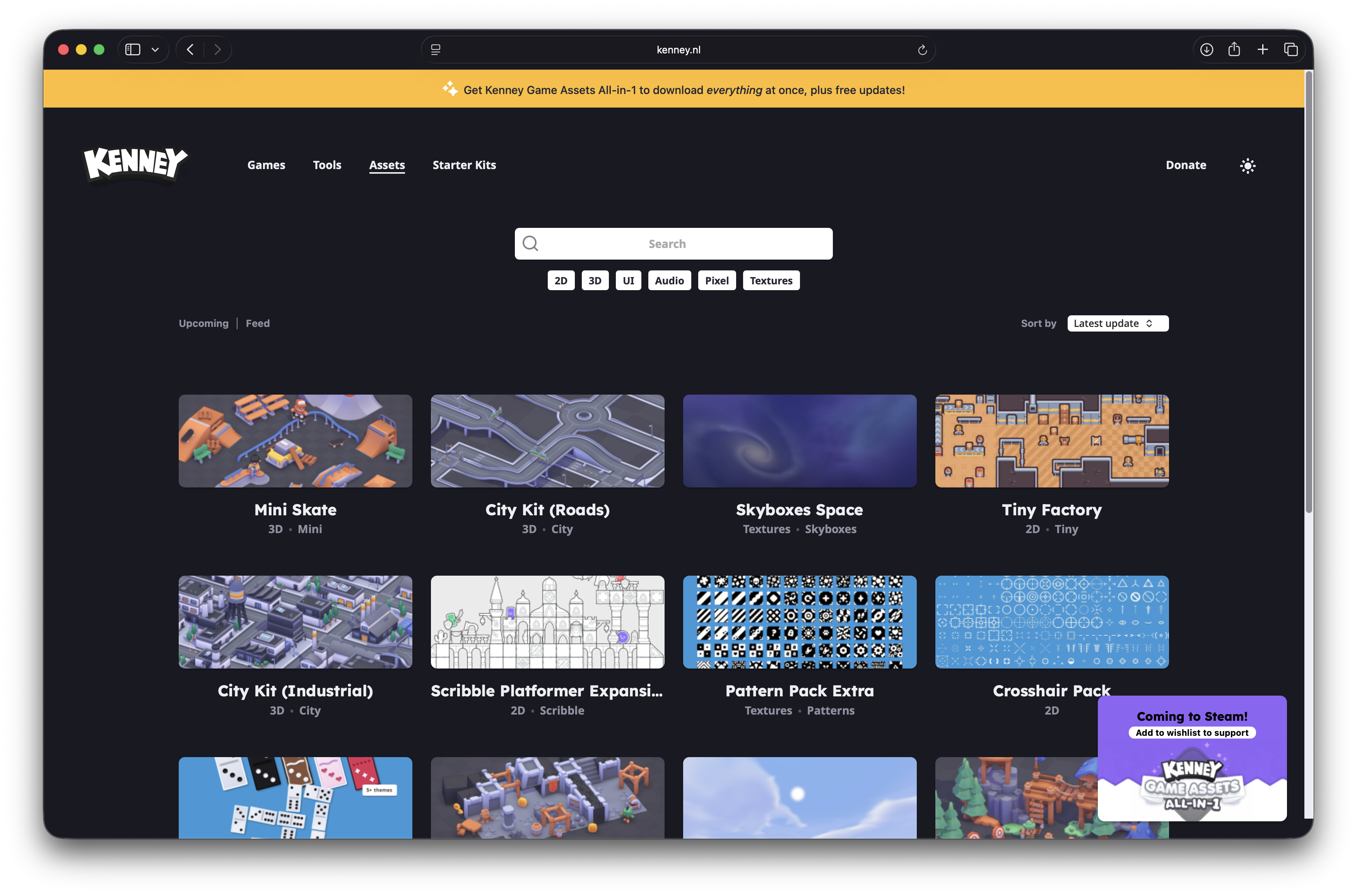
CC0 UI asset source · PNG · SVG
Start with buttons, panels, sliders, and interface pieces from Kenney’s CC0 UI Pack, ready to adapt for game interfaces and creative workflows.
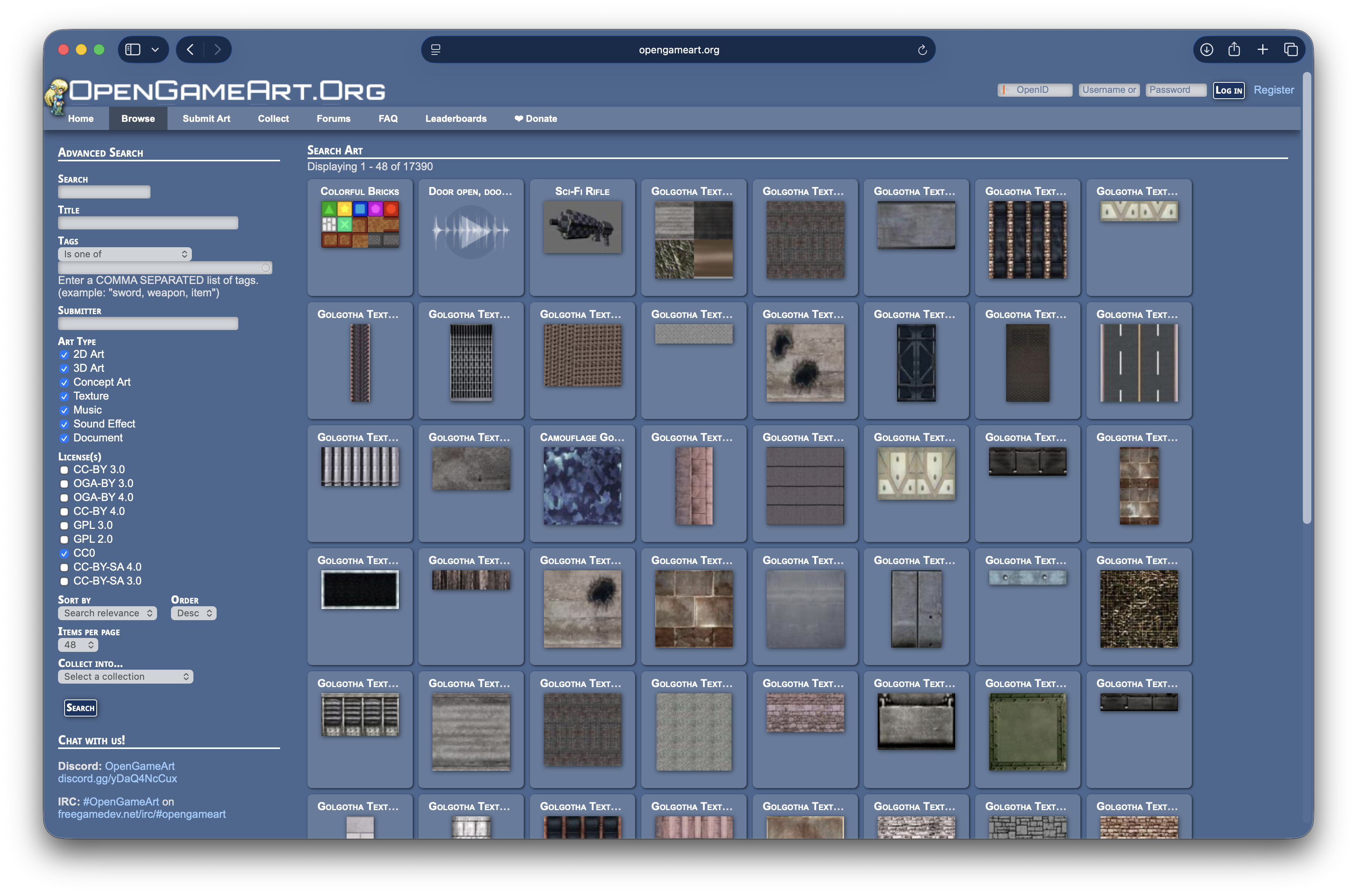
Game asset source · 2D · 3D · Audio
Find game-ready art, models, and audio, starting with CC0 results and checking each item’s license before use.
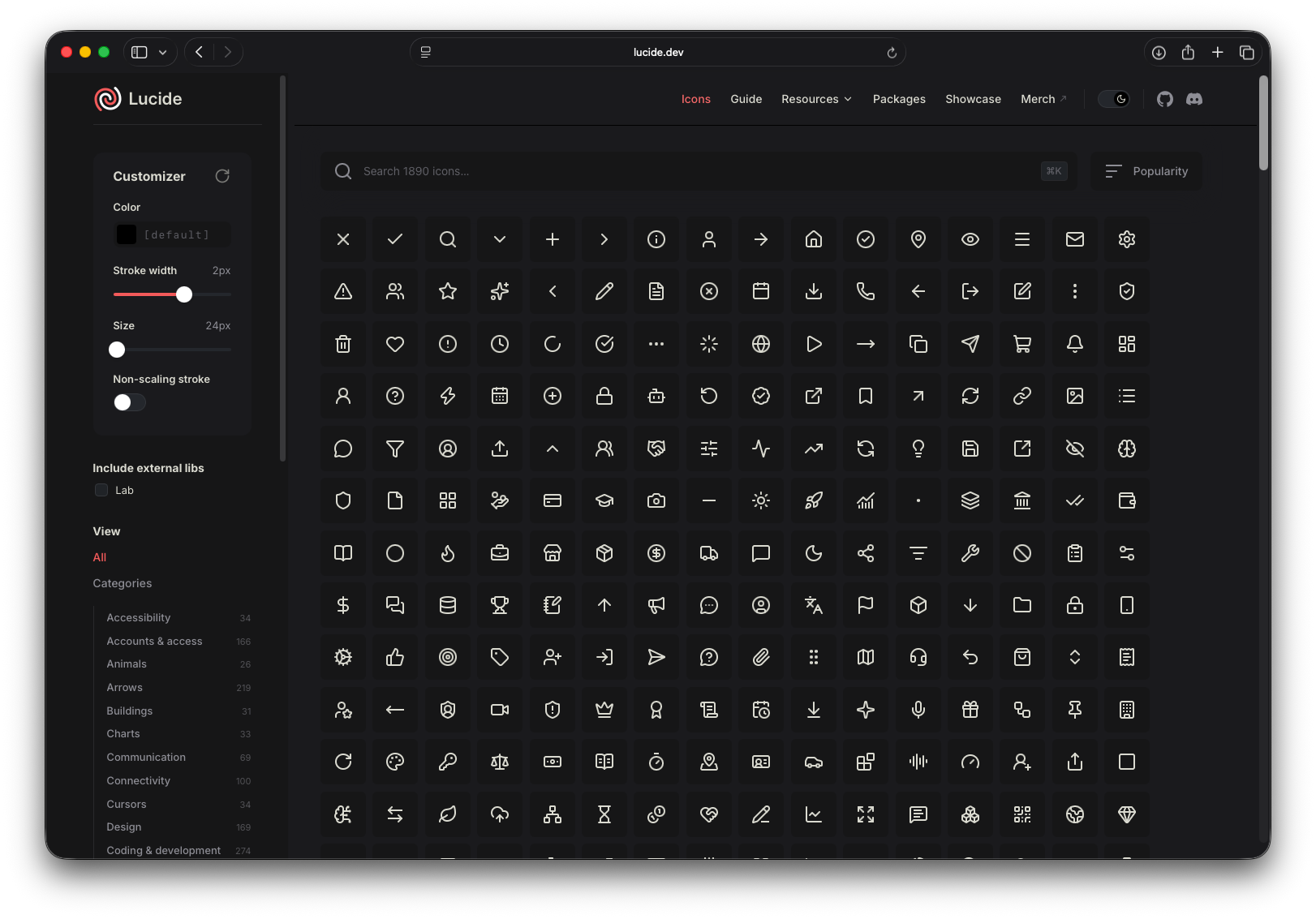
Icon source · SVG
Browse a flexible icon set for consistent symbols, diagrams, and visual details across creative projects.
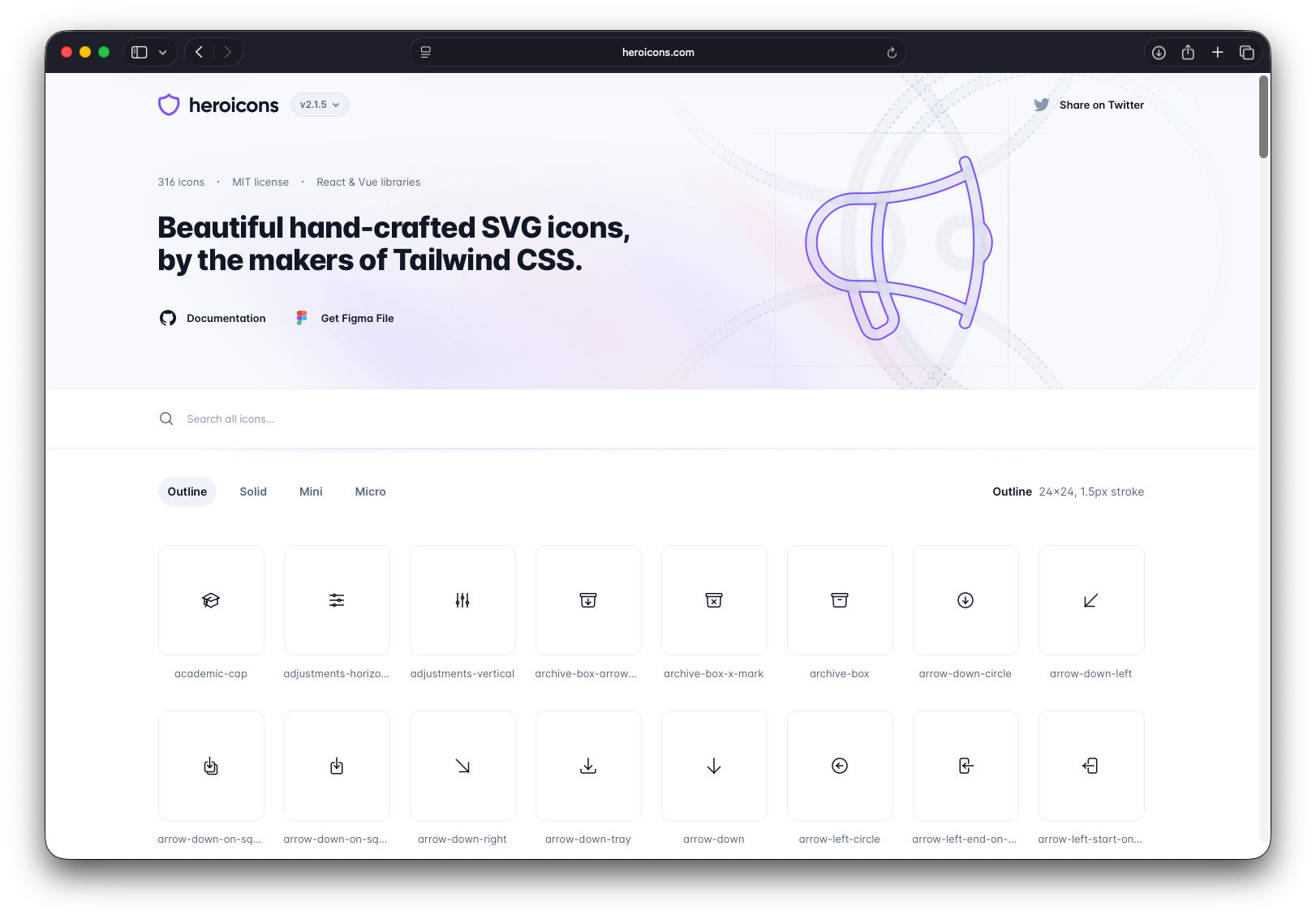
Icon source · SVG
Find clear interface symbols for actions, states, and navigation in Cards and creative workflows.
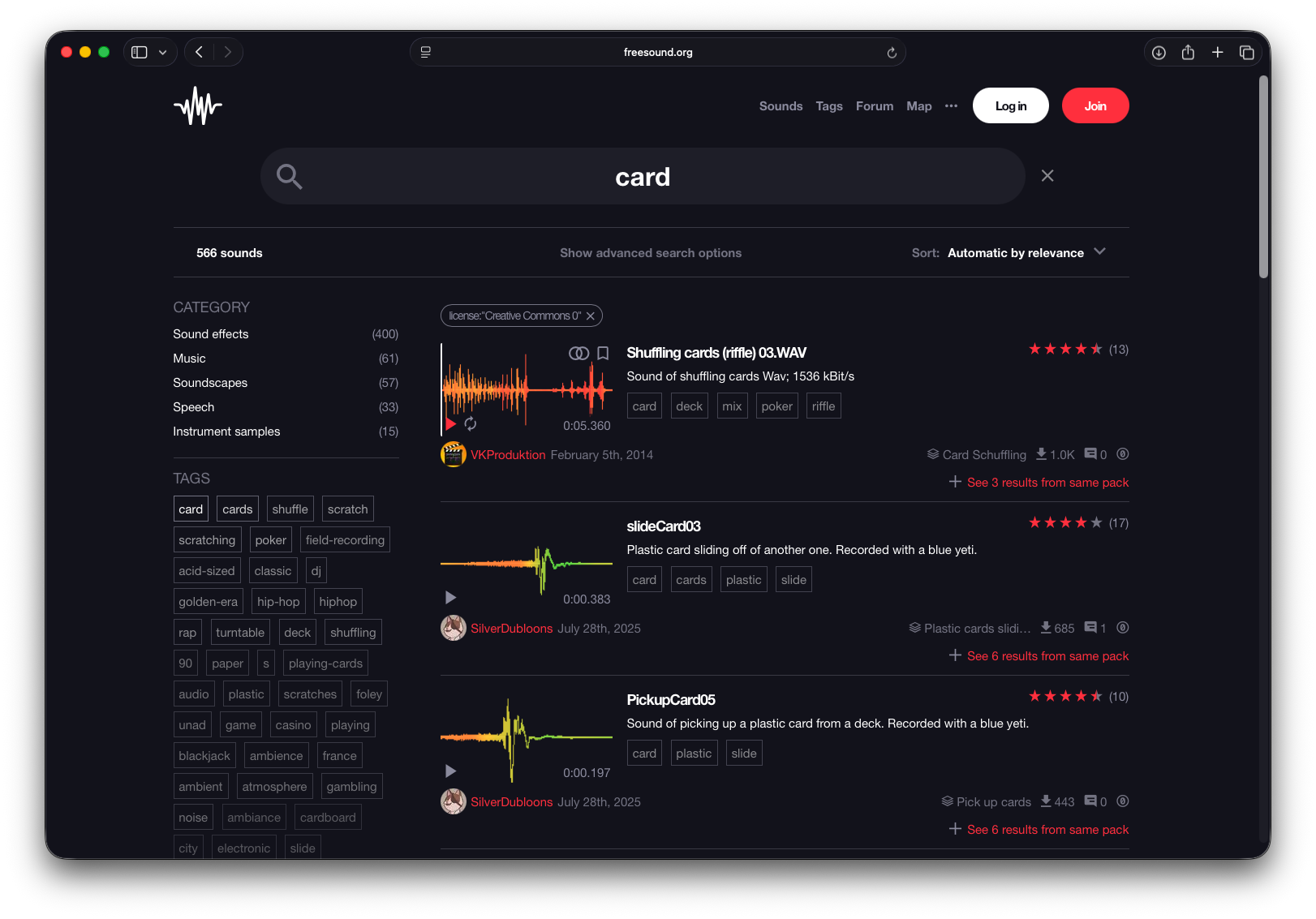
Community audio source · Audio
Find sound effects, music, and ambience to add atmosphere to Cards, stories, and interactive projects.
Part of Collection
Open Assets connects Collection to external asset sources. One or more selected items can become part of a Card, each with its own source, license, attribution, and provenance details.
Explore CinterForge Desktop