Open Assets · Open media search
Openverse
Search images and audio from many sources, with CC0 selected as a starting point and creator and license details available per item.
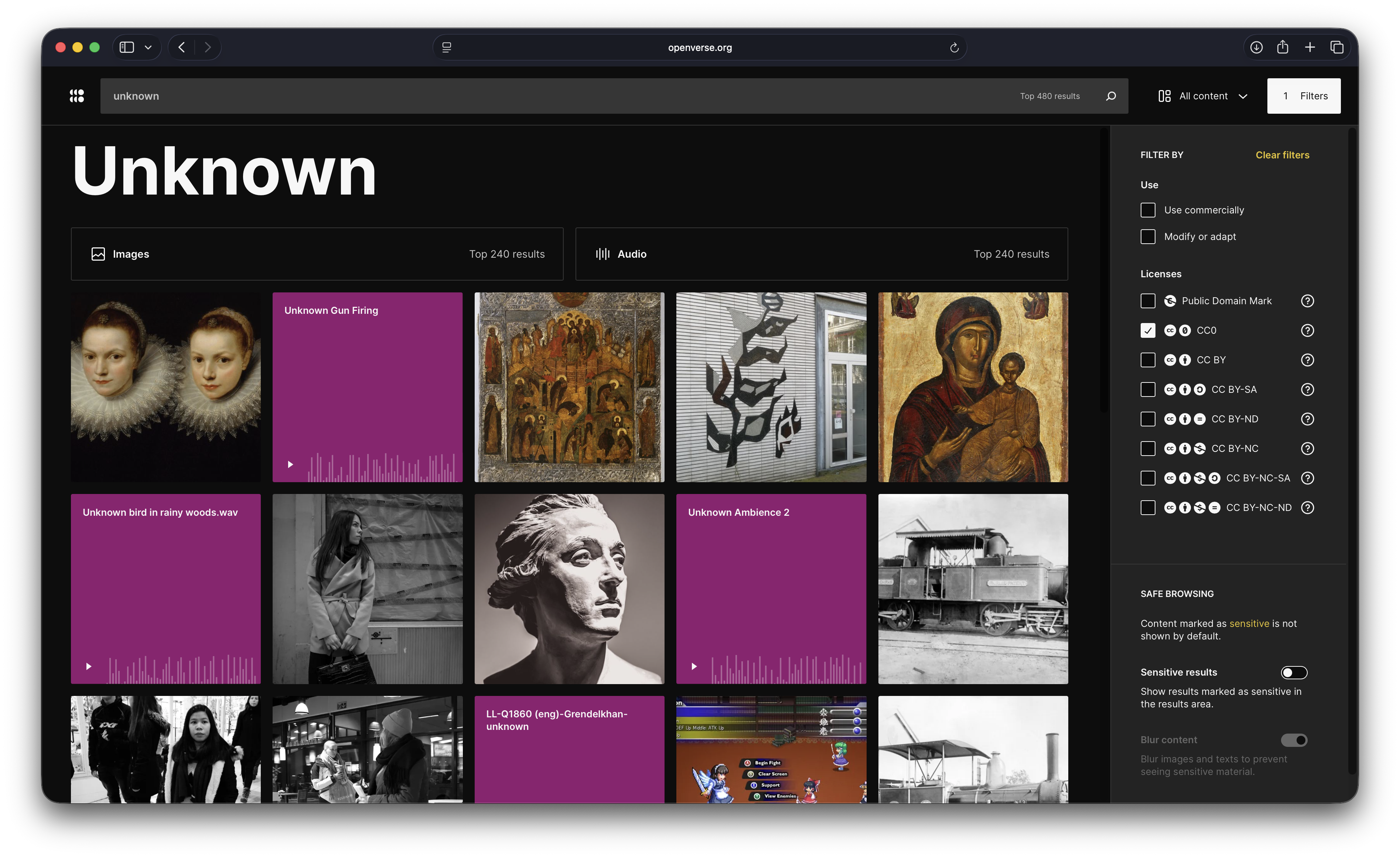
One search across many media sources.
Openverse makes it easier to discover images and audio across a broad network of contributing collections. The CC0 filter is a useful starting point; each result still needs its own source and license details checked.
- Content
- Images · Audio
- License
- CC0 filter · aggregated catalog
- default license filter
- CC0
Rights: The search applies the CC0 filter. Openverse aggregates third-party media and cautions that item license details should be independently verified.
A workflow in the Assets workspace
Find media across sources
Search an individual source tab or use global search, then inspect the original item and its license before using it.
- 01
Search broadly
Look for images or audio using a project-specific query.
- 02
Review the item
Use CC0 as a starting filter, then check its source, creator, and license.
- 03
Bring it into the project
Connect selected media to a Card with the source and rights context.