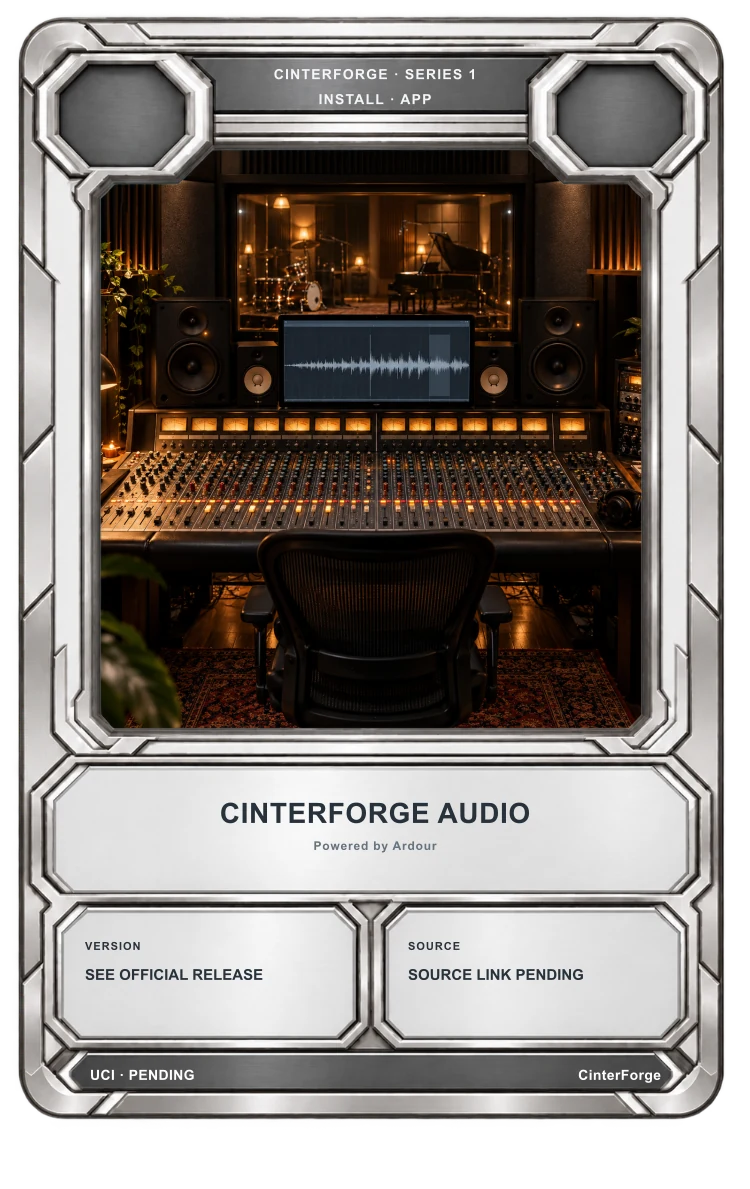
Series I · Creative Suite · Audio
CinterForge Audio
Powered by Ardour
Record, edit, and mix sound while keeping session files, takes, and production context together.
Built from CinterForge’s own fork of Ardour. The original Ardour remains available independently.
A Card-centered workflow
CinterForge Audio keeps the tool connected to the work.
Build sound work from recordings, MIDI, edits, and mix decisions. CinterForge Audio keeps the session and chosen exports close to the Card they help complete.
What Ardour brings to Audio
Record audio and MIDI across sessions with any number of tracks and busses.
Arrange, trim, stretch, crossfade, transpose, and quantize with undo and redo.
Build signal paths with faders, automation, EQ, dynamics, sends, inserts, and returns.
Use AudioUnit, LV2, VST, and LADSPA plugins with sample-accurate automation.
Connect MIDI timecode, MIDI clock, Mackie Control, OSC, and other control surfaces.
Sync audio to a frame-based video timeline, edit sound, and export a finished video.